This image prompt makes a vertical advertising poster for a fictional lime-yellow sports coupe, with three close-up panels and magazine-style type. It suits product and marketing designers who want an automotive layout to adapt. IGPROD’s recorded run in Gemini (Nano Banana) shows how the composition came together and which details need review before use.
What the car poster produced
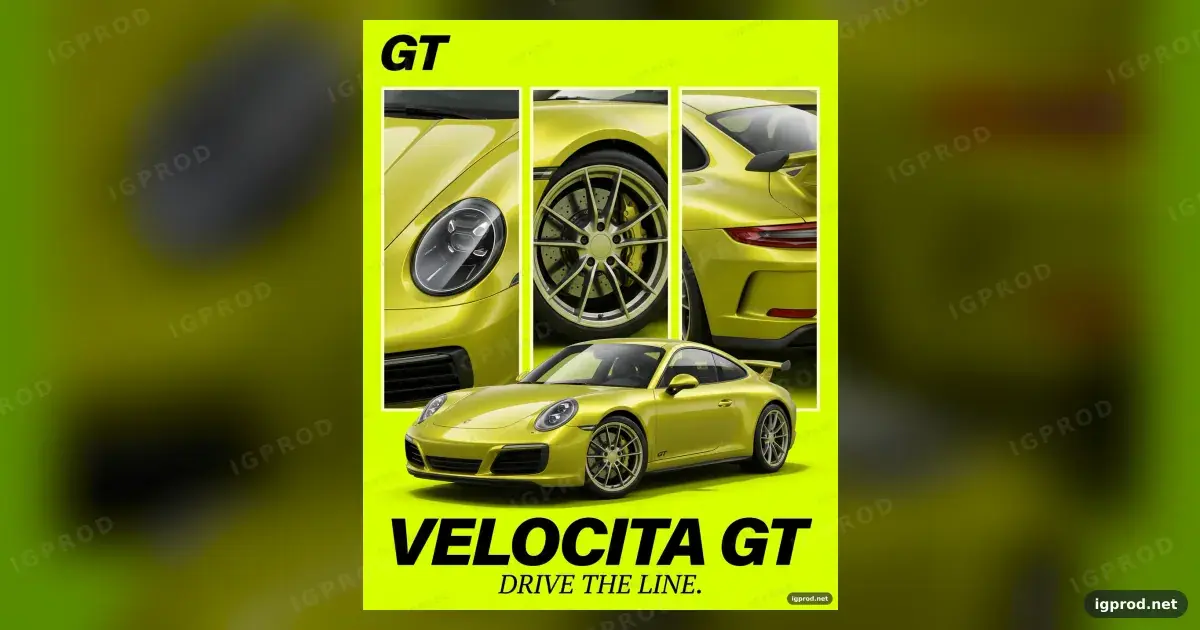
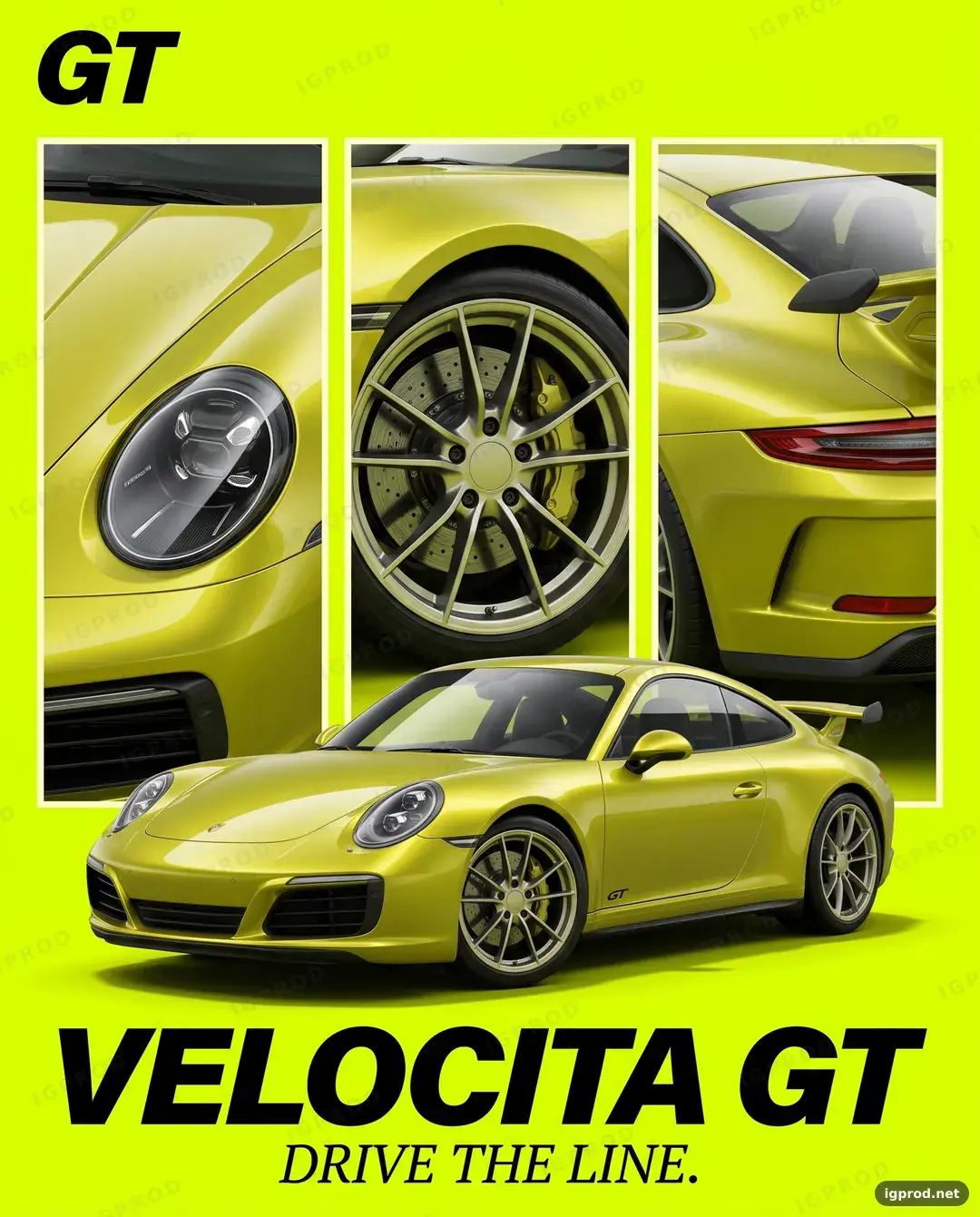
The recorded result shows a metallic lime-yellow two-door coupe across the lower half of a neon lime poster. Three pale-bordered panels show the headlight and hood, a wheel, and the rear wing and taillight. It also shows glossy reflections and a soft shadow. The visible text reads “GT,” “VELOCITA GT,” “DRIVE THE LINE.,” “IGPROD,” and “igprod.net.”
The coupe faces left although the prompt requests right. A car badge appears despite the exclusion, and repeated IGPROD watermarks are visible. Those marks mean you need to review or regenerate this output before using it in an ad. These observations come from IGPROD’s single recorded Gemini (Nano Banana) run.
How the car poster prompt works
Canvas and car placement
“Vertical 4:5 (1080x1350)” sets the poster format. The subject line specifies a fictional two-door coupe, metallic lime-yellow paint, a front three-quarter view, and placement across the lower half. “Facing right” gives you a direction to check in the output.
Background and detail panels
“Flat neon lime / chartreuse” gives the car a single-color setting. The next lines assign exactly three tall panels to the headlight and hood, front wheel and brake caliper, and rear wing and taillight; “Same car and same paint” ties those views to the main subject.
Type, light, style, and exclusions
The typography line places “GT” at the upper left and “VELOCITA GT” above the smaller “DRIVE THE LINE.” at the bottom. “Clean studio light” asks for glossy reflections and a soft shadow, while “automotive magazine ad” sets the intended finish and hierarchy. The “Avoid” line lists brands, badges, people, a phone interface, a watermark, and distorted wheels as things to check for in the output.
Car poster prompt ready to copy
Create a photorealistic sports car advertising poster, vertical 4:5 (1080x1350).
Subject: a fictional two-door sports coupe called "VELOCITA GT" in metallic lime-yellow paint, front three-quarter
view, facing right, across the lower half of the poster.
Background: flat neon lime / chartreuse. Behind the car, three tall vertical photo panels with thin cream borders:
left = close-up of the round headlight and hood, center = close-up of the front wheel and brake caliper, right =
rear three-quarter close-up of the wing and taillight. Same car and same paint in every panel.
Typography: "GT" in bold black italic at the upper left; at the bottom, "VELOCITA GT" in very large black italic
capitals, and under it "DRIVE THE LINE." in a small elegant serif.
Lighting: clean studio light, glossy reflections, soft shadow under the car.
Style: automotive magazine ad, crisp edges, strong hierarchy.
Avoid: real car brands or badges, people, phone interface, watermark, distorted wheels.
Three car poster variations
For a warmer color study, change “metallic lime-yellow paint” to “metallic copper paint” and “flat neon lime / chartreuse” to “flat warm cream.” This changes both the car and its backdrop while leaving the panel layout intact.
For a side-profile composition, change “front three-quarter view, facing right” to “full side profile, facing right.” Keep the lower-half placement so the title and three detail panels still have assigned space.
For a quieter editorial treatment, change “bold black italic” to “bold black upright” and “very large black italic capitals” to “very large black upright capitals.” The wording and positions stay the same; the intended look shifts from slanted display type to upright type.
The dossier records one generated result; these variations and the fixes below have not been tested.
Checking direction, marks, and text
Compare the generated car’s direction with “facing right.” If it faces the other way, repeat those words next to the subject description, then inspect the next result. Treat that edit as something to try, not a proven correction.
Inspect the bodywork and background for a badge or watermark before using an output. If either appears, generate another result and check it again. Read every visible word separately, including small text, against the requested wording.
Adapting the car poster to your subject
Replace “VELOCITA GT,” “two-door sports coupe,” the paint color, and the three named close-ups as one set. Keep the panel subjects tied to features your new subject actually has, then update both occurrences of the product name and the small tagline. If you change the main color, also reconsider the background color so the subject and panels remain distinguishable.
Check your adapted poster and explore related prompts
Run your adapted prompt, then check its direction, panel subjects, visible words, and unwanted marks against what you specified. For another product layout, see the copper smartphone launch poster prompt; for a different advertising composition, try the cola can splash ad prompt, or browse IGPROD image prompts. Share your result and which details matched in the comments.
How this image was made: IGPROD ran the prompt above in Gemini (Nano Banana) on 2026-10-15. The image shown is that run's result; IGPROD only resized, compressed and watermarked it. Image models vary between runs, so your result will differ in its details.
More image prompts
- Magenta race car poster prompt: another car poster with a different color and setting.
Leave a comment
Your email address will not be published. Required fields are marked *